Introducing document forwarding in Lumonic

Riley Geddes
You can now securely email documents directly into Lumonic.
The old way: a company emails you 10 statements. Download all 10. Upload all 10, then rinse and repeat next month.
The Lumonic way: forward the email to a secure custom email address.
Lumonic lives in your inbox now. Your team has its own address, like generalcredit@lumonic.com, and anything sent there lands in your Lumonic document inbox. If it can reach an inbox, it can reach Lumonic, so every company, agent, and service provider you work with can safely send documents to your portfolio monitoring platform.
Lumonic also reads what arrives. An email about MAKR Labs is matched to your MAKR Labs entity, and each attachment is tagged for what it is: a financial statement, a compliance certificate, a credit agreement, a cap table, any document type you already track in Lumonic. That holds across credit and private equity, from a borrower's covenant analysis to a portfolio company's board deck and MD&A.
How it works
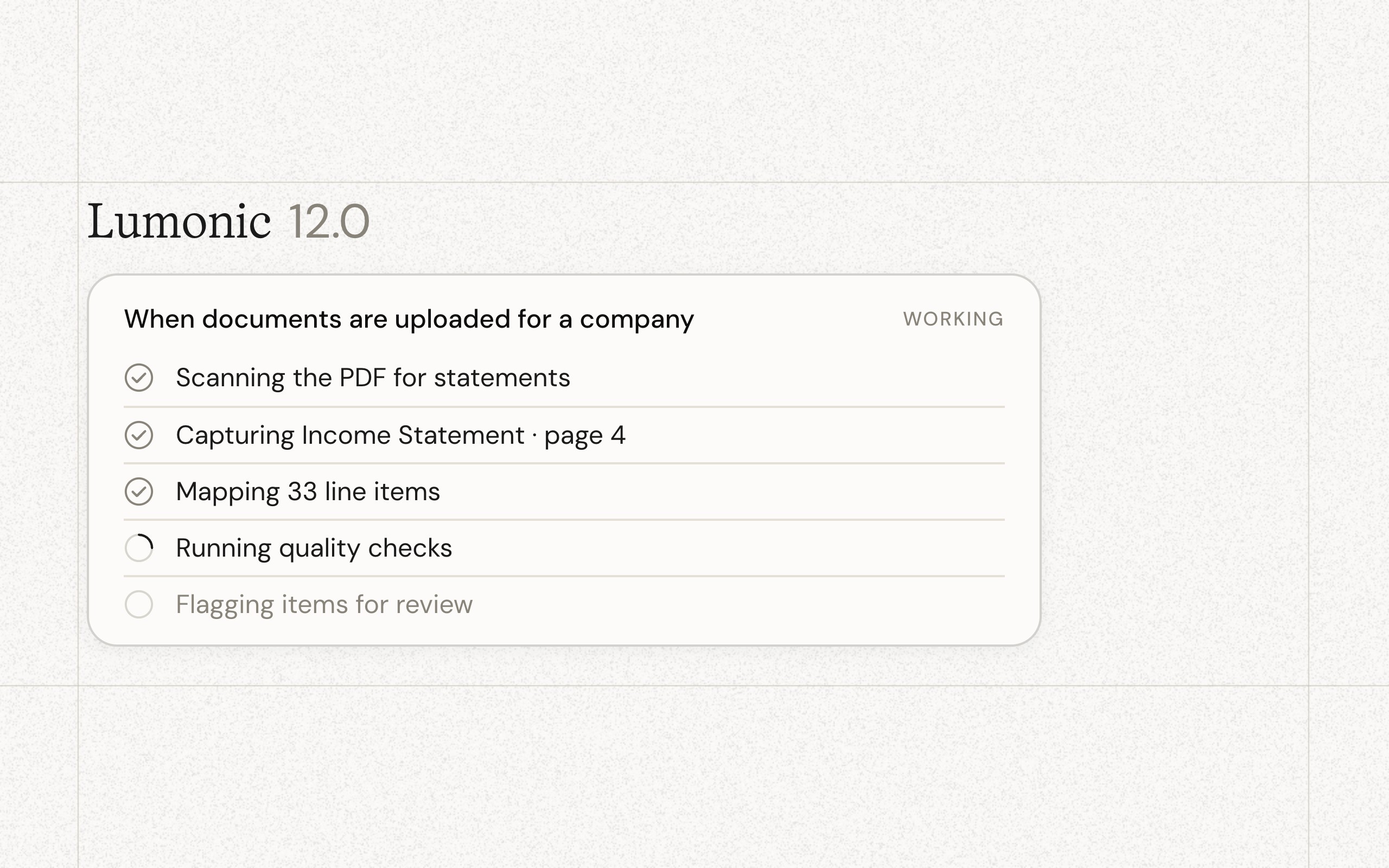
Forward any email with attachments to your address. The documents show up in Lumonic seconds after you send them, matched and tagged.
Then the documents wait for your approval. Preview each attachment without downloading anything. Check the entity and the tag. Accept what belongs. Ignore what doesn't. Your records hold only what your team approved.
Lumonic also learns your senders. When the same fund admin or valuation provider shows up again, it suggests where their documents belong, and the suggestion waits for your approval like everything else.
Put it to work
Give the address to your companies and their financials skip your work inbox entirely. CC it on document-heavy email threads and everything is captured. Either way, your whole team sees what came in and what's been handled, so nothing slips through.
Available today
There's no setup. Contact your account manager and we'll get you live. It works from Gmail, Outlook, your phone, anywhere you can hit forward.