Lumonic 10.0: Smarter AI and IRR in excel

Andrew Riess
If you log in today, nothing looks different. Everything is. This release is roughly 40,000 lines of changes - most of them underneath the surface. New AI architecture, new infrastructure, and a handful of features you'll notice right away.
Here's what's in it.
Lu, rewritten. Lu can now work through multi-step tasks on its own instead of responding to single prompts. Ask Lu to analyze a portfolio and it will pull data, build charts, and surface insights across multiple steps without you guiding each one. Dynamic charts and grids now have Lu built in. Portfolio-level analysis is significantly improved. And the chat experience is better - cancel mid-response, restart, and give feedback inline.
See what changed between extractions. When a document is re-extracted, you can now see exactly what moved between runs - with full history down to the column level. Useful during quarterly reviews when financials get restated and you need to know what's different.
IRR in Excel. The Excel plugin now supports IRR calculations on cashflows natively. Build return models without leaving your spreadsheet.
File imports that don't block you. Long-running imports now process in the background with real-time status updates. A new Jobs page shows progress and tracks recent import history - no more refreshing to check if your upload finished.
Dynamic dashboard filtering. Dashboards now support parameters you set once and reuse - filter by fund, entity, or time period without rebuilding the dashboard. This is the groundwork for Lumonic dashboard templates.
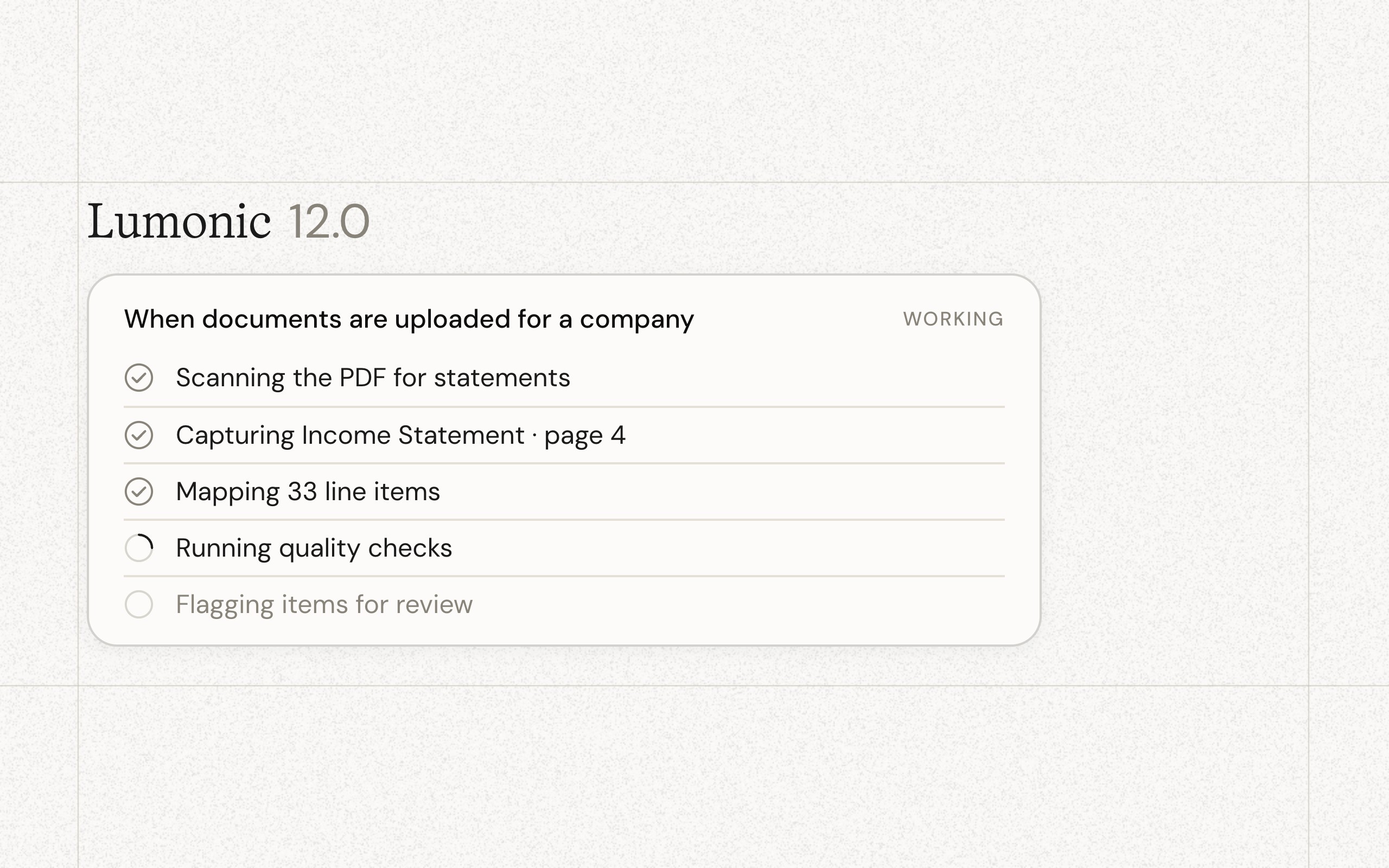
Smarter document uploads. Bulk uploads now use AI to suggest tags and dates, cutting down manual classification work when onboarding new documents.
Shared financial models. Build an EBITDA model once and apply it across your entire portfolio. Models can now be assigned globally and shared across entities. Bulk covenant assignment is in too - useful for large portfolios with standardized packages.
More flexible tables. Resizable rows in time series tables, snapshot tables, and grids. Draggable columns in the Roles matrix.
Workflow automation. New trigger types that fire when underlying data changes, plus delivery day selection for daily digest notifications - more control over when alerts reach your team.
Everything else. Report renaming, backend formula validation with real-time warnings, null value highlighting in tables, and improvements across Lenses including scale fields, default period types, and range-based period indicators.
Most of what's in 10.0 you won't see directly - but you'll feel it. The AI is sharper, imports are faster, and the infrastructure behind all of it is ready for what's coming next.